Robots / TradoWix
POKZEN FOR TRADOWIX
TradoWix robot.
Your rules, in view.
Review your strategy, risk preferences, and signals in a focused TradoWix workspace.
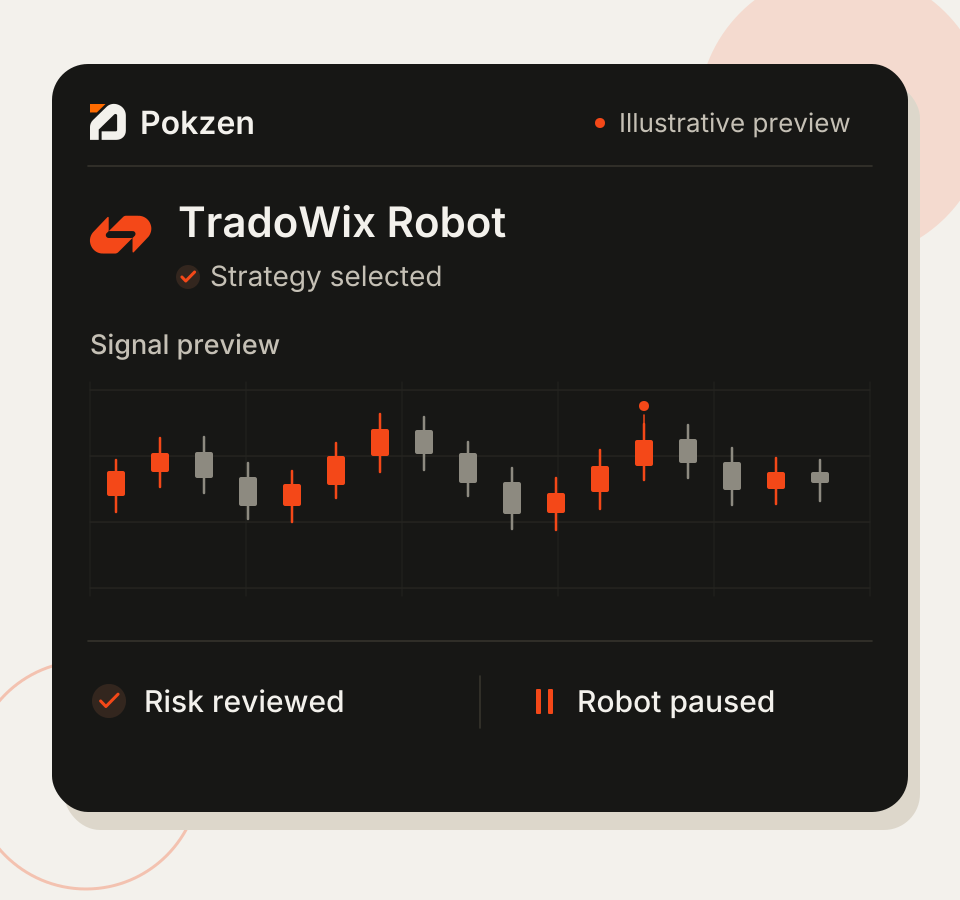
Strategy in focus
Review the rules behind your chosen setup.
Risk preferences visible
Keep session limits close to the workflow.
Activity in context
Follow each sample signal through its next step.
From setup to signal, stay oriented.
Keep your platform, strategy, and session status together. Every part of the preview has a clear place in the routine.
One platform, one workspace
TradoWix stays at the center of your setup.
Preferences before action
Review strategy rules alongside your risk settings.
Context at each step
See the signal, its rule check, and the session status.
YOUR WORKFLOW
Four steps. One clear routine.
01
Choose TradoWix
Open the TradoWix workspace and review your setup.
02
Review your strategy
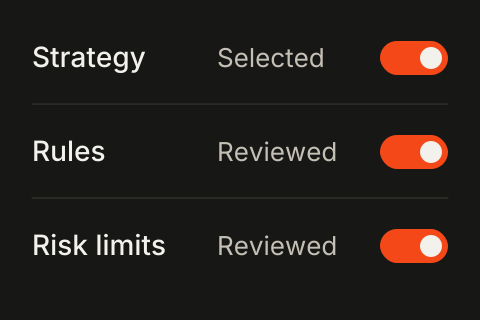
Check the selected rules and your risk preferences.
03
Inspect the signal
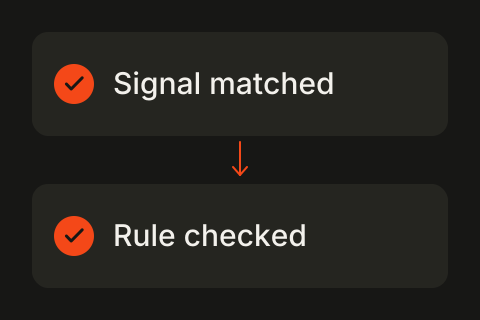
Review the matched rule before your next step.
04
Follow activity
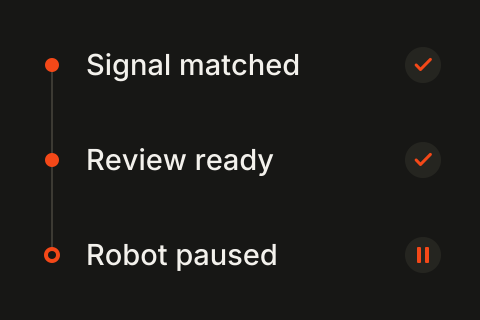
Keep the activity log and session status in view.
Start with a setup that fits.
Compare the example plans for a single platform or a broader collection of robot workflows.
A few things, made clear.
Understand the TradoWix preview before you explore the workflow.
Bring your setup into focus.
Explore TradoWix from the first preference to the activity review.

Broker-focused trading automation. Explore robot categories, strategy settings, and activity views in the Pokzen demo.


Robots / TradoWix
POKZEN FOR TRADOWIX
TradoWix robot.
Your rules, in view.
Review your strategy, risk preferences, and signals in a focused TradoWix workspace.
Strategy in focus
Review the rules behind your chosen setup.
Risk preferences visible
Keep session limits close to the workflow.
Activity in context
Follow each sample signal through its next step.
From setup to signal, stay oriented.
Keep your platform, strategy, and session status together. Every part of the preview has a clear place in the routine.
One platform, one workspace
TradoWix stays at the center of your setup.
Preferences before action
Review strategy rules alongside your risk settings.
Context at each step
See the signal, its rule check, and the session status.
YOUR WORKFLOW
Four steps. One clear routine.
01
Choose TradoWix
Open the TradoWix workspace and review your setup.
02
Review your strategy
Check the selected rules and your risk preferences.
03
Inspect the signal
Review the matched rule before your next step.
04
Follow activity
Keep the activity log and session status in view.
Start with a setup that fits.
Compare the example plans for a single platform or a broader collection of robot workflows.
A few things, made clear.
Understand the TradoWix preview before you explore the workflow.
Bring your setup into focus.
Explore TradoWix from the first preference to the activity review.
Broker-focused trading automation. Explore robot categories, strategy settings, and activity views in the Pokzen demo.
Robots / TradoWix
POKZEN FOR TRADOWIX
TradoWix robot.
Your rules, in view.
Review your strategy, risk preferences, and signals in a focused TradoWix workspace.
Strategy in focus
Review the rules behind your chosen setup.
Risk preferences visible
Keep session limits close to the workflow.
Activity in context
Follow each sample signal through its next step.
From setup to signal, stay oriented.
Keep your platform, strategy, and session status together. Every part of the preview has a clear place in the routine.
One platform, one workspace
TradoWix stays at the center of your setup.
Preferences before action
Review strategy rules alongside your risk settings.
Context at each step
See the signal, its rule check, and the session status.
YOUR WORKFLOW
Four steps. One clear routine.
01
Choose TradoWix
Open the TradoWix workspace and review your setup.
02
Review your strategy
Check the selected rules and your risk preferences.
03
Inspect the signal
Review the matched rule before your next step.
04
Follow activity
Keep the activity log and session status in view.
Start with a setup that fits.
Compare the example plans for a single platform or a broader collection of robot workflows.
A few things, made clear.
Understand the TradoWix preview before you explore the workflow.
Bring your setup into focus.
Explore TradoWix from the first preference to the activity review.
Broker-focused trading automation. Explore robot categories, strategy settings, and activity views in the Pokzen demo.